Free: the color analysis quiz. Find your season in 2 minutes →Free quiz: your season in 2 minutes →

PDF palette · 180 colors per season

Digital Color Palette: Your Colors on Your Phone

Check a color before you buy it. Open your palette in the store or while you shop online, and match what you’re holding to a color of your sub-season.

  • 180 colors
  • Made for your phone
  • In store or online
  • 3 sub-seasons in each palette

$19.99per season · PDF delivered by email

Not sure of your season? The free quiz gives you a first hint, not a verdict.

  • A PDF you keep
  • Made for a phone screen
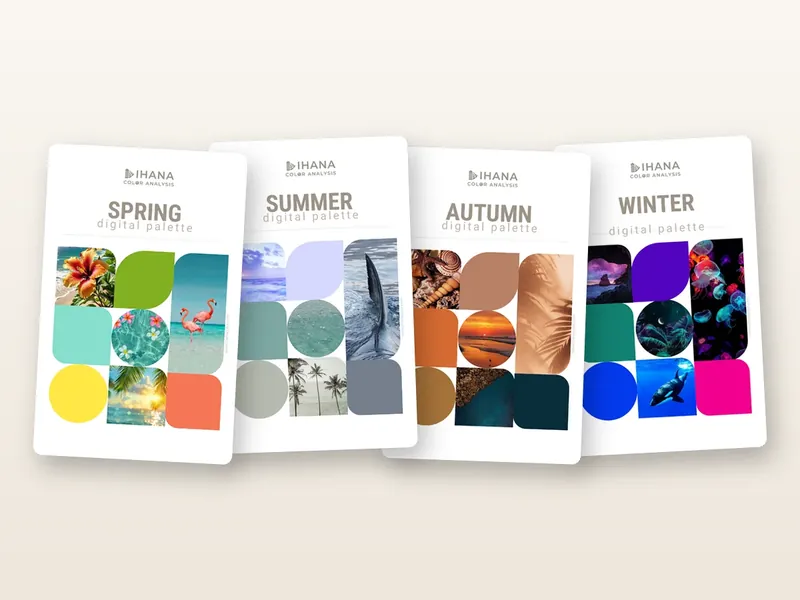
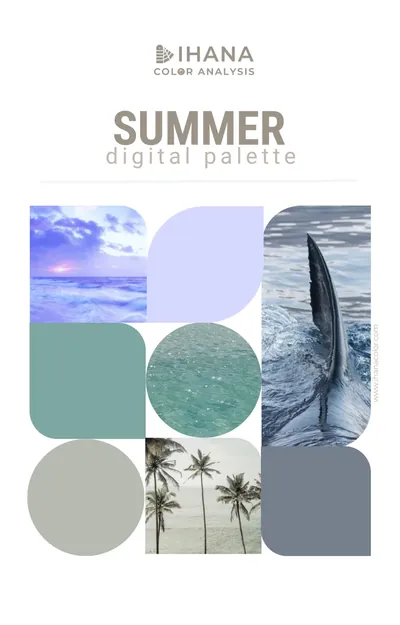
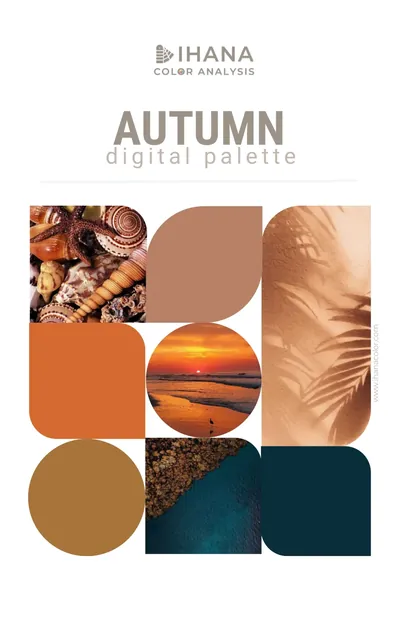
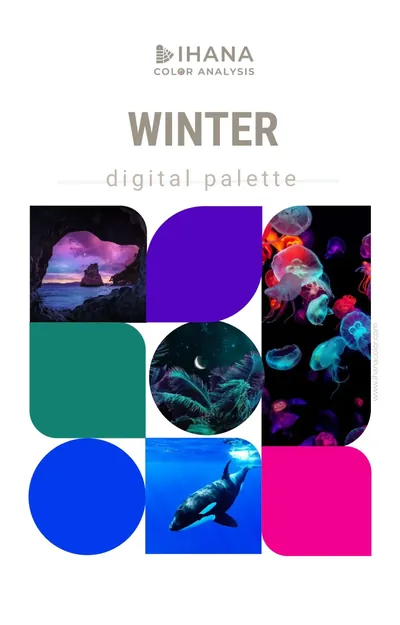
The covers of the four digital palettes: Spring, Summer, Autumn and Winter
One palette for each season. Each one holds the three sub-seasons of its season.

What it is

A palette you open on your phone

It’s a PDF made for your phone screen: your colors, to hold up next to anything you’re about to buy.

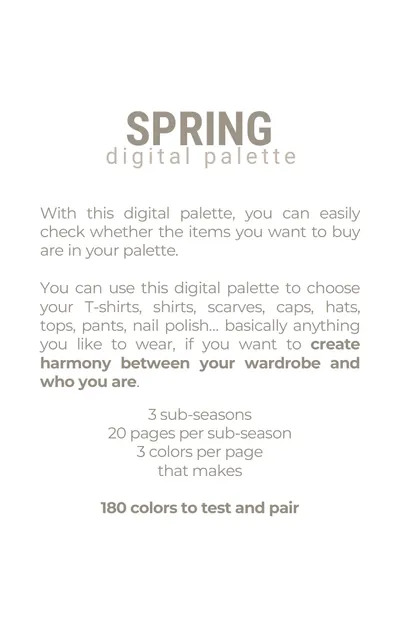
Page 2 of the digital palette: what it is for, and the numbers: 3 sub-seasons, 20 pages per sub-season, 3 colors per page, 180 colors to test and pair
“With this digital palette, you can easily check whether the items you want to buy are in your palette.”
  • 180colors to test and pair
  • 3sub-seasons in each palette: yours and its two sisters
  • 20pages per sub-season, 3 colors on each

What you can check with it:

  • T-shirts
  • Shirts
  • Scarves
  • Caps
  • Hats
  • Tops
  • Pants
  • Nail polish
  • and anything else you like to wear

How to use it

Five steps, on your phone

Lisa’s own instructions, from the how-to page of the palette.

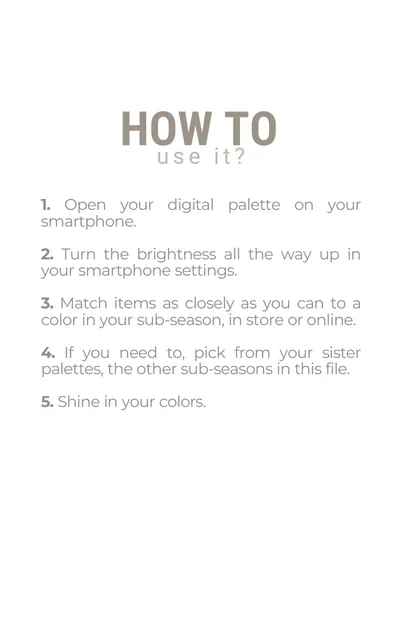
  1. Open your paletteOn your smartphone.
  2. Turn the brightness all the way upIn your smartphone settings.
  3. Match the item to a colorAs closely as you can to a color in your sub-season, in store or online.
  4. Use your sister palettesIf you need to, pick from the other sub-seasons in the same file.
  5. Shine in your colorsChoose what you wear with confidence.
Page 3 of the digital palette: how to use it, in five steps

Step 2 matters: the palette is made to be read on a phone with the brightness all the way up.

Which palette

One palette for each season

Pick the palette of your season. It holds your sub-season and the other two sub-seasons of your season.

Not sure of your sub-season yet? Start with the free quiz: it gives you a first hint, not a verdict. A palette shows you your colors, it doesn’t settle your season.

A look inside

Flip through the palettes

Eight pages from the real files: the four covers, the how-to page and three of the swatch pages. Each sub-season has 20 of them, with 3 colors on each.

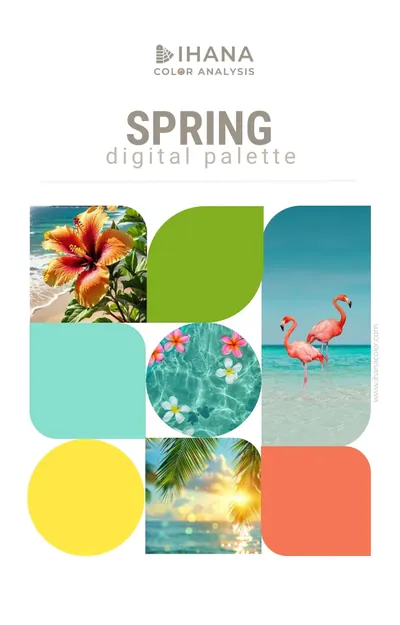
  • Cover of the Spring digital palette, Ihana Color Analysis: a collage of colors and photos
    SpringThe cover
  • Cover of the Summer digital palette, Ihana Color Analysis: a collage of colors and photos
    SummerThe cover
  • Cover of the Autumn digital palette, Ihana Color Analysis: a collage of colors and photos
    AutumnThe cover
  • Cover of the Winter digital palette, Ihana Color Analysis: a collage of colors and photos
    WinterThe cover
  • Page 3 of the digital palette: how to use it, in five steps, from opening it on your smartphone to shining in your colors
    Page 3How to use it
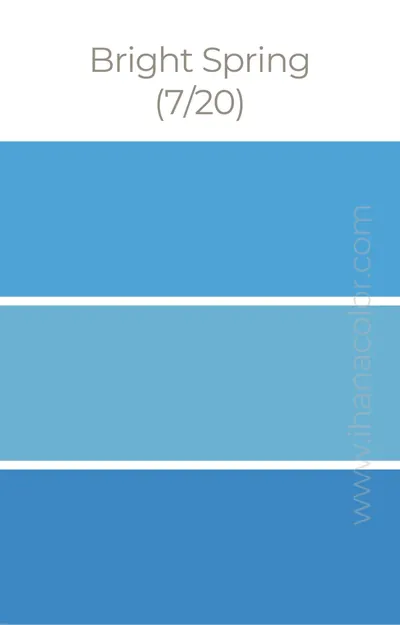
  • A swatch page of the Spring digital palette: Bright Spring, page 7 of 20, with three shades of blue
    Spring paletteBright Spring, page 7 of 20
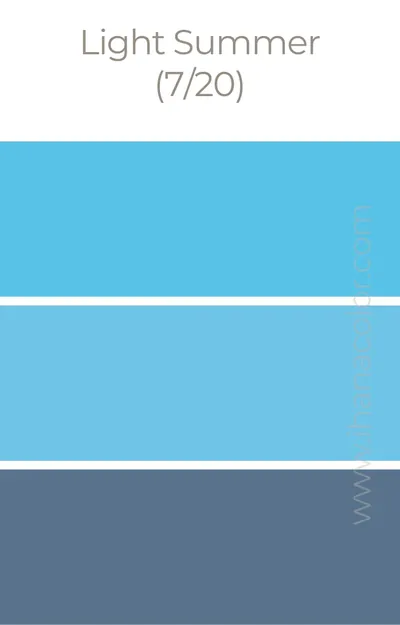
  • A swatch page of the Summer digital palette: Light Summer, page 7 of 20, with three shades of blue
    Summer paletteLight Summer, page 7 of 20
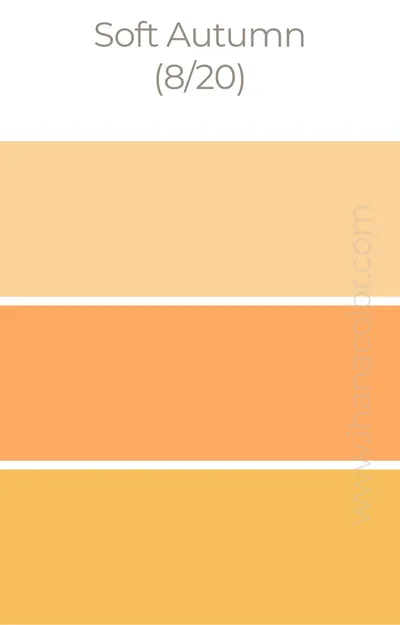
  • A swatch page of the Autumn digital palette: Soft Autumn, page 8 of 20, with three shades of orange
    Autumn paletteSoft Autumn, page 8 of 20

Who it’s for

Who it’s for, and who should take the quiz first

A palette only helps if it’s the right one. Here’s how to tell if it’s yours.

Made for you if…

  • you know your sub-season, or you’re close and want your colors in your pocket
  • you’re tired of buying clothes you never wear
  • you shop in stores or online and want to check a color on the spot
  • you want to know what to look for at the makeup counter and in the accessories aisle
  • you want your colors on your phone, always with you

Not for you yet if…

  • you don’t know your season: start with the free quiz, then read the free pages of the sub-seasons it points to
  • you’re looking for a test: the palette gives you colors, it doesn’t tell you your season
  • you want to know how to wear your colors: the guides by sub-season cover the capsule wardrobe, the outfits and the makeup
  • you only want a first look at your colors: the free personal color palette tool gives you 8

Price and delivery

Get your palette

Pick your season, and the PDF arrives by email after checkout. Checkout is in US dollars.

Delivery and format

  • A PDF you keep. No printed copy.
  • Made for a phone screen, with the brightness all the way up.
  • Sent by email after checkout.

Want to know how to wear your colors? See the guides by sub-season, or take the free quiz first.

Lisa Routa, French color analyst

Who made these palettes

Lisa Routa

French color analyst and founder of Ihana. Eight years in sales and marketing management in the cosmetics industry, and trained to analyze every skin tone.

“I see image consulting as a tool for one thing above all: creating harmony between your outfits and your DNA. That way, your image serves your personality and your projects, and not the other way around.”

  • Featured in the French newspaper Le Monde in January 2026 (the article is in French)
  • Every skin tone

More about Lisa

FAQ

Digital color palette: your questions

What is a digital color palette?

A PDF of colors made for your phone screen. It lets you check, in a store or online, whether the item you want to buy is in your palette. Each palette holds 180 colors: 3 sub-seasons, 20 pages per sub-season, 3 colors per page.

Which palette should I buy?

The one of your season. Each palette holds the three sub-seasons of its season: the Spring palette, for example, holds Light Spring, Warm Spring, and Bright Spring. You get your own colors, and the two sister palettes you can borrow from when you need more choice.

Do I need to know my season to order?

Yes, it helps: the palette assumes you know your season, it doesn’t determine it. If you’re not sure, take the free quiz first. It gives you a likely season and a first hint of your sub-season, not a verdict, and you can read the free page of each sub-season it points to before you choose.

How do I use it?

Open it on your smartphone and turn the brightness all the way up. Then match the item as closely as you can to a color in your sub-season, in store or online. If you need to, pick from your sister palettes, the other sub-seasons in the same file.

What do the pages look like?

Each swatch page shows 3 colors, labeled with the sub-season and the page number (1/20, 2/20…). A title page opens each sub-season. You can see eight real pages above.

Can I print it?

The palette is designed for a phone screen with the brightness turned all the way up. If you print it, the colors will vary with your printer and your paper, so for the most accurate colors, use it on a screen.

How do I get it?

By email, as a PDF, after you check out. You pick your season in the menu before checkout.

What’s the difference with the free personal color palette tool?

The free tool builds a card of 8 colors from a photo of your face and hand, and gives no season. The Digital Color Palette is Lisa’s own palette: 180 colors, sorted by sub-season.

How is it different from a guide by sub-season?

The palette is for checking a color in the moment, on your phone. The guides by sub-season show you how to wear your colors: your capsule wardrobe, your outfits, your makeup, your hair. The two go together.