ChatGPT color analysis gives you an answer, not a verdict. Here’s where AI and apps go wrong with your selfie, and how to use them as a first hint only.
“A computer has no bias, so it must get my season right.”
The logic is tempting. You send a selfie, wait a few seconds, and get a season with a palette attached.
The next day you try another app. Different season.
You didn’t change. Your face didn’t change. The photo did.
That is the story of ChatGPT color analysis, and of most AI color analysis apps. They answer. The answer just isn’t built on what decides a season.
What does ChatGPT see when you send it a selfie?
A picture. Pixels of skin, hair and eyes.
From pixels, a tool can estimate how warm or cool your skin looks, how light or deep, how strong the gap is between hair, eyes and skin. Those inputs are real. They echo the axes behind seasonal color analysis: temperature, depth (also called lightness) and clarity (also called intensity).
But a season isn’t a measurement of a picture. It’s what your skin does when a color arrives next to it.
A selfie is one frozen frame. Nobody held a coral or a dusty rose under your chin. Whatever the tool, it starts from the same place: a photo.
Why does the same face get different seasons?
Because a photo is a chain of choices you don’t control.
Light: a window, a yellow bulb and a flash give your skin three different colors.
Camera: your phone adjusts the image so white looks white, so it decides what is neutral, not you.
Screen: yours shows colors its own way, and so does the one of anyone looking at the result.
Filters: some cameras and apps smooth or tint the image before you see it.
Makeup: with foundation and blush on, you send in your makeup, not your skin.
Hair and background: both throw their color back onto your face.
Change any one of them and the result can move. That is why two tools, or two photos, disagree.
Why is a result built on one trait the real risk?
A tool that only sees pixels is tempted by shortcuts. Fair skin, so Summer. Tan, so Autumn. Deep, so Winter.
I never place anyone from a single trait. Fair, tan and deep skin tones each turn up in every season, and so do blond, red and dark hair.
So run a simple check. If every result you collect matches the season people usually attach to your hair or your skin tone, ask yourself why.
In my view, a mechanical approach to color can turn discriminatory, because it files people before looking at them.
How do you use an app as a first marker?
Start by testing the tool, not yourself. The same-photo challenge at the end of this article shows you how.
Then follow these steps:
Take the photo near a window, with no makeup, hair pulled back and no filter. Your face is personal data, so read what a tool does with your photo before you send it.
Repeat it on a different day.
Keep only the direction: warm or cool, light or deep. Forget the exact sub-season name.
If the results contradict each other, stop hunting for the right tool. You may sit between two neighboring seasons.
Once you know your season, an assistant becomes useful. It can explain the vocabulary, turn your palette into outfit ideas, build a shopping list or help you word what to ask your hairstylist. For the full home routine, read the five checks to find your color season.
What does a trained eye see that a model doesn’t?
A faint shadow that settles under your eyes. Skin that turns gray or yellow. Eyes that suddenly sparkle. A jawline that looks harder.
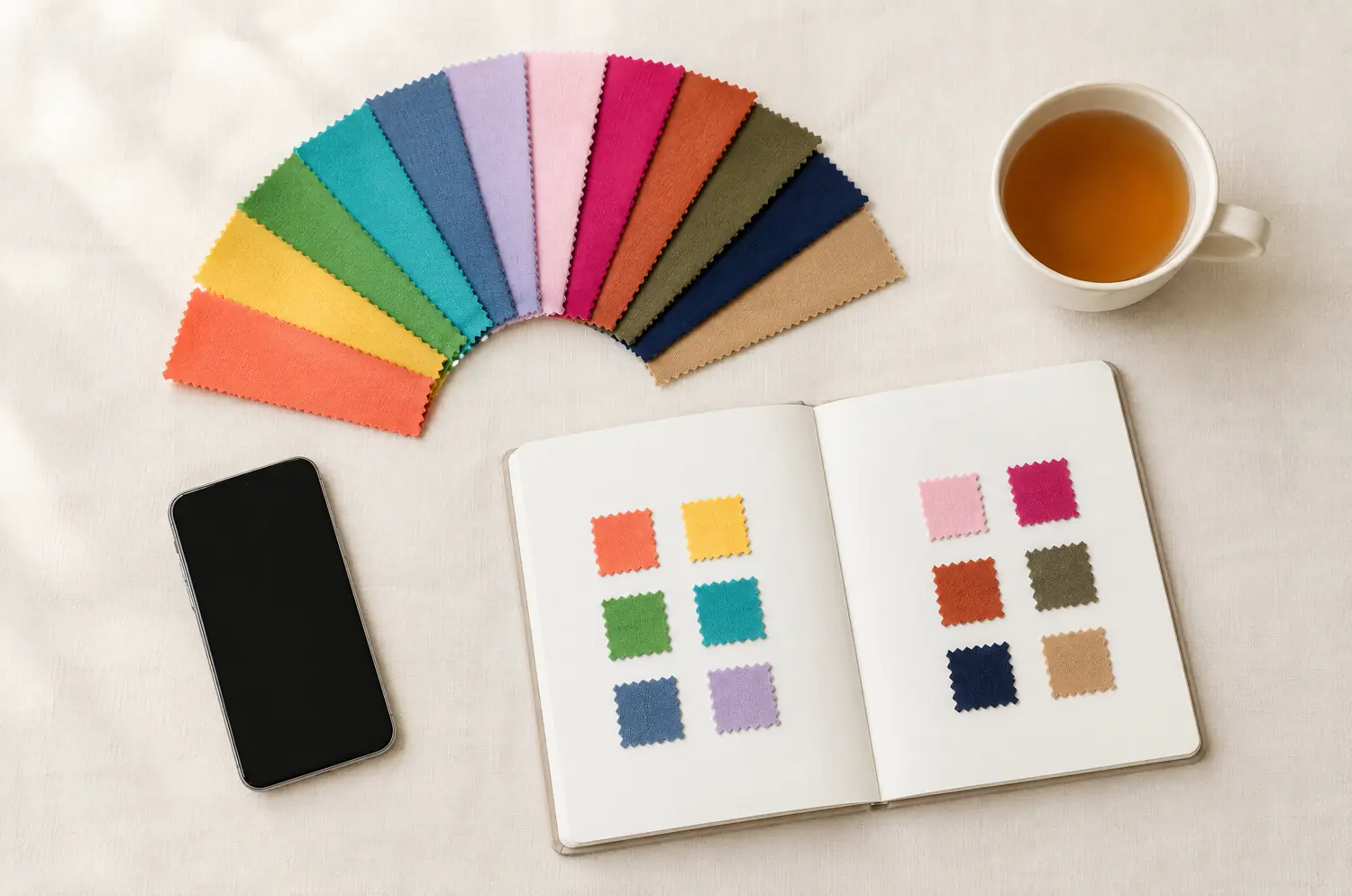
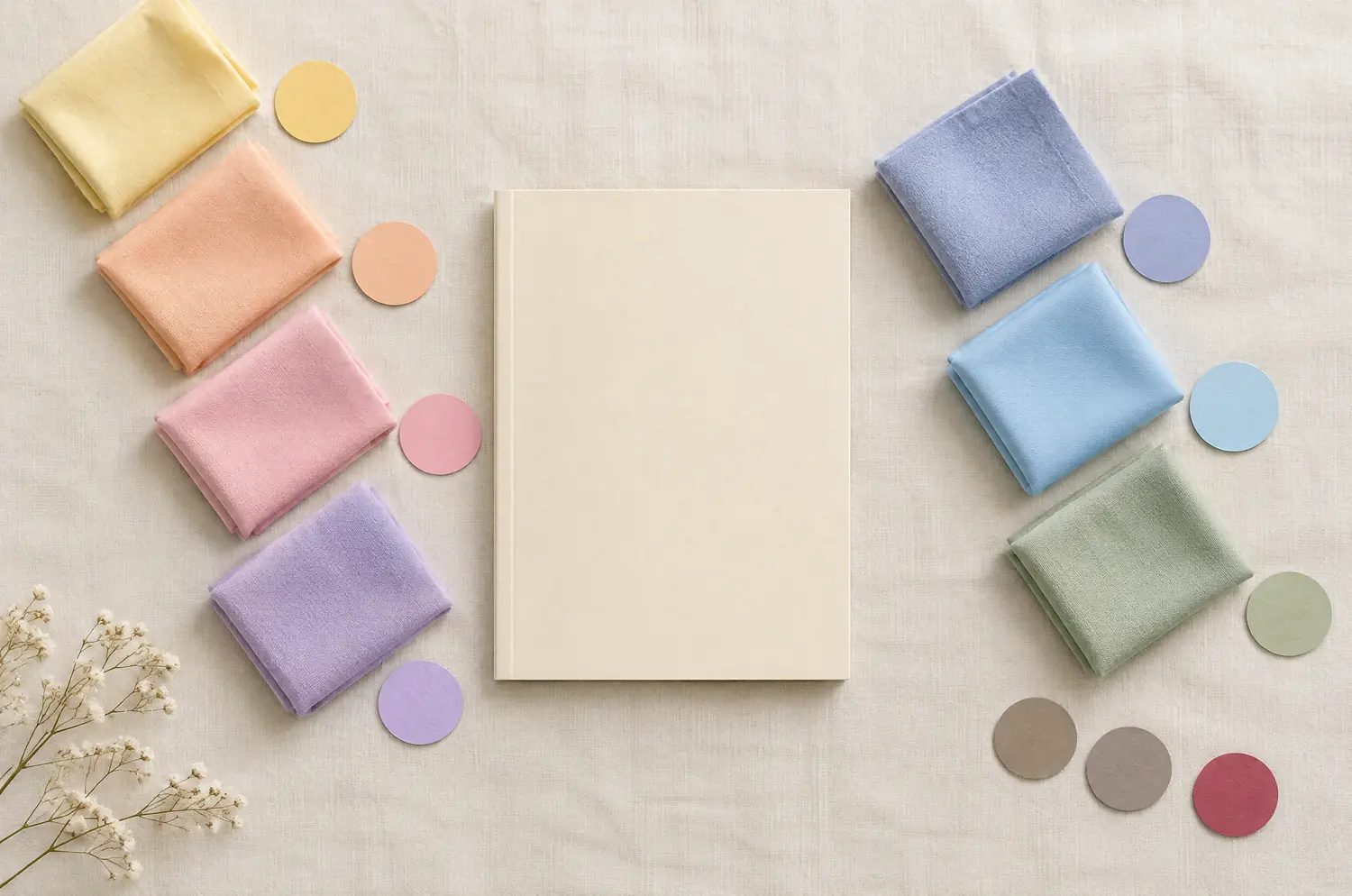
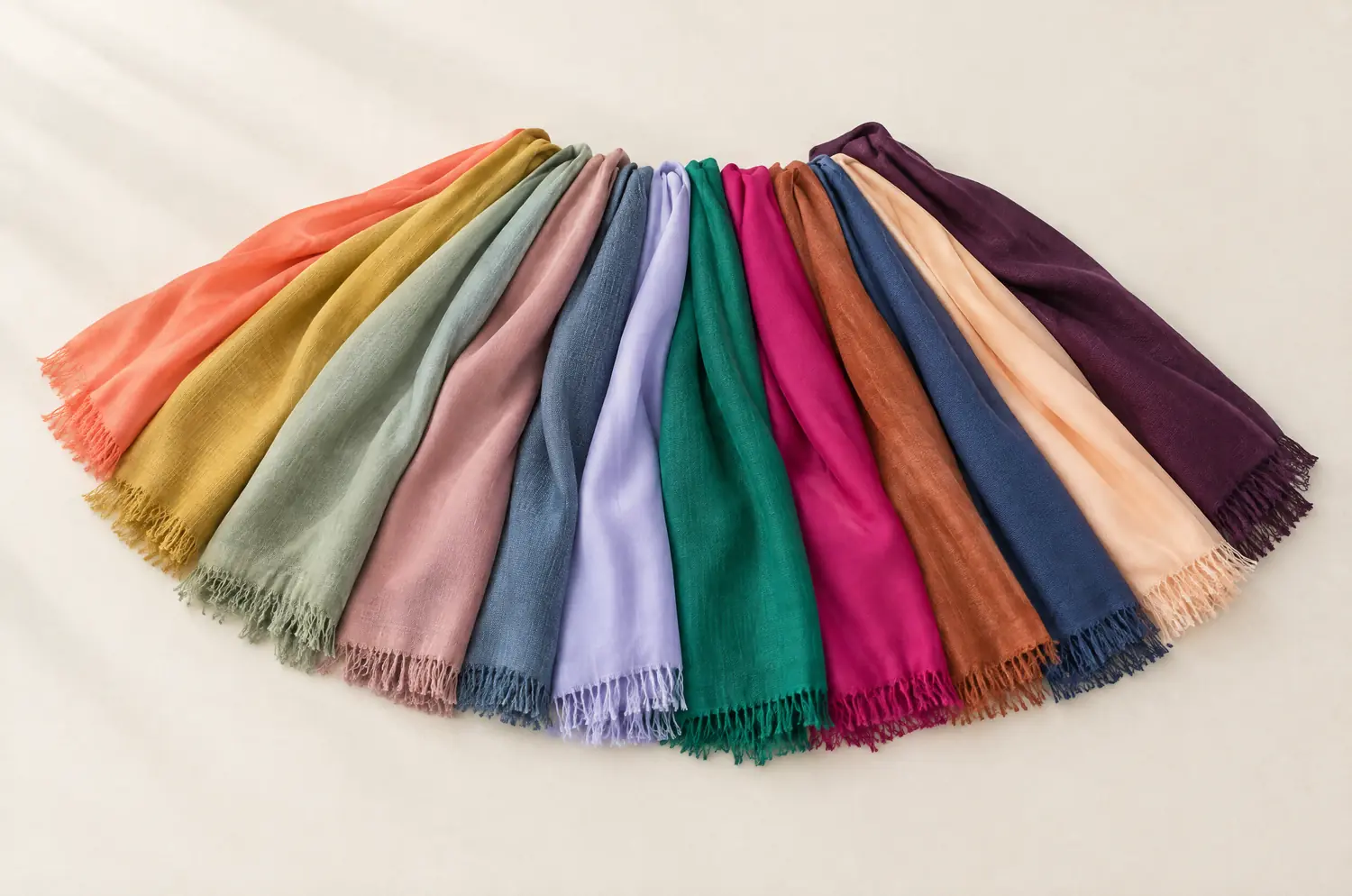
All of this happens when colors are held near your face one after another. That is draping, and it is a reaction, not a measurement.
AI will keep improving. Today, don’t build a wardrobe, a hair color or a makeup routine on it. How the method works explains what a quiz or an AI can and cannot do.
Quiz
AI or app on a selfie
Trained eye
Works from
Your answers
One photo
Colors held near your face, one at a time
Sees your skin react
No
No
Yes
Weak point
Can’t see your face
Light, camera, makeup, filters
Takes time and training
Best use
A first look
Playing, learning the words
Deciding before you buy or dye
If you want a human eye on your photos, my one-to-one photo analysis exists in French only for now.
Questions people ask
How accurate is a ChatGPT color analysis?
Not accurate enough to build a wardrobe on. The input is a photo, and a photo shifts with light, camera and makeup. Treat the answer as a direction, then confirm it with fabric held near your face.
What prompt should I use for a ChatGPT color analysis?
A wording can’t change what a photo holds. A sharper prompt still starts from the same picture in the same light. Ask it to explain temperature, depth and clarity instead, or to turn a palette you already know into outfit ideas. Don’t ask it to judge your season.
Is there a free color analysis app I can trust?
Free is fine for playing. Trust depends on method, not price, so look at what the tool reads. A tool that only reads a photo gives a hint. Check it yourself with fabric near your face.
Can I use a photo to analyze my color?
You can, within limits. Shoot against a plain wall near a window, bare-faced, hair back, no filter. That reduces the bias without removing it. A photo still can’t show how your skin changes as a color comes close, so confirm with a few pieces of fabric.
Is any AI good at color analysis?
No tool is ranked here. The question assumes a photo can settle a season. It can’t show your skin reacting to color, so any answer is a hint to check with fabric near your face.
Try the same photo twice, then judge for yourself
Here is your challenge. Send the same selfie twice, in two fresh conversations, then a photo taken at another time. Write down what comes back.
Then answer my free color analysis quiz. It takes about two minutes, needs no sign-up, and gives you a likely season, a sub-season hint and the page that goes with it.
Compare. Where they agree, you have a direction. Where they don’t, you’ve found your next question.